Rigging
Bones with shear and inheritance, slots and draw order, skins with their own bones and constraints, IK, transform and path constraints, bounding boxes and clipping.

Free and open source · Windows and macOS
Anim2D is a skeletal animation editor with bones, meshes and constraints, a dopesheet and graph editor, and an FX builder with 37 ready-made effects. Export straight into the runtimes your game already uses.
Windows 10/11 · macOS 14+ on Apple silicon and Intel · MIT License
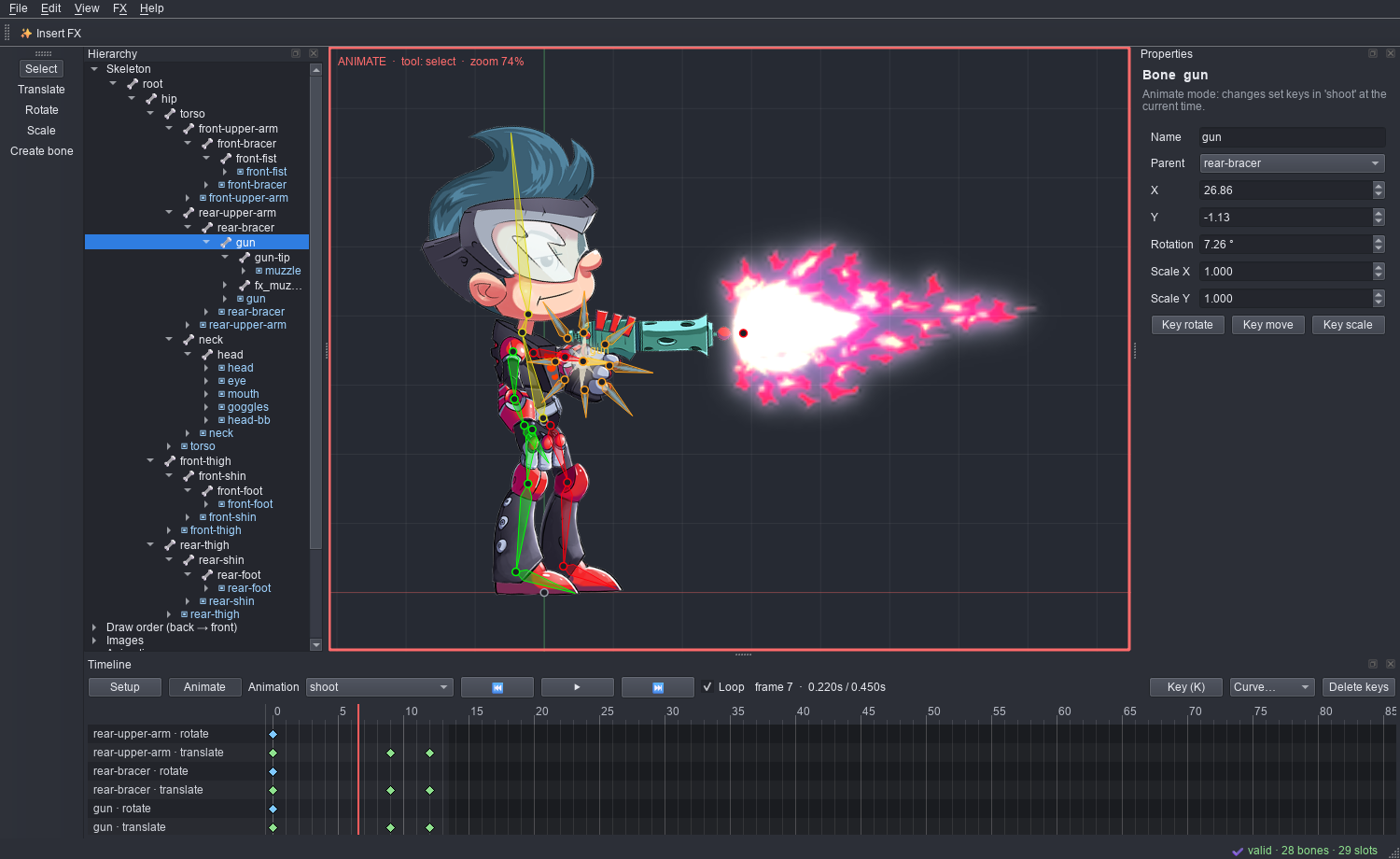
Bones with shear and inheritance, slots and draw order, skins with their own bones and constraints, IK, transform and path constraints, bounding boxes and clipping.
Edit meshes or trace them from an image's alpha, paint weights, link meshes and key deforms.
A dopesheet and a bezier graph editor, ease presets, retiming, motion paths, onion skinning, crossfade preview, events with audio and reference footage for rotoscoping.
Auto-rig, physics baking, mirror and pose tools, frame sequences, PSD and OpenRaster import with live resync, command search, customisable shortcuts and themes.
Opens skeletal animation JSON, binary and editor project files. Exports JSON or binary
.skel with a packed .atlas.
A texture packer and unpacker; GIF, APNG, WebP, MP4, AVI, MOV, PSD and image sequences; and a Unity bridge that exports straight into a spine-unity project.
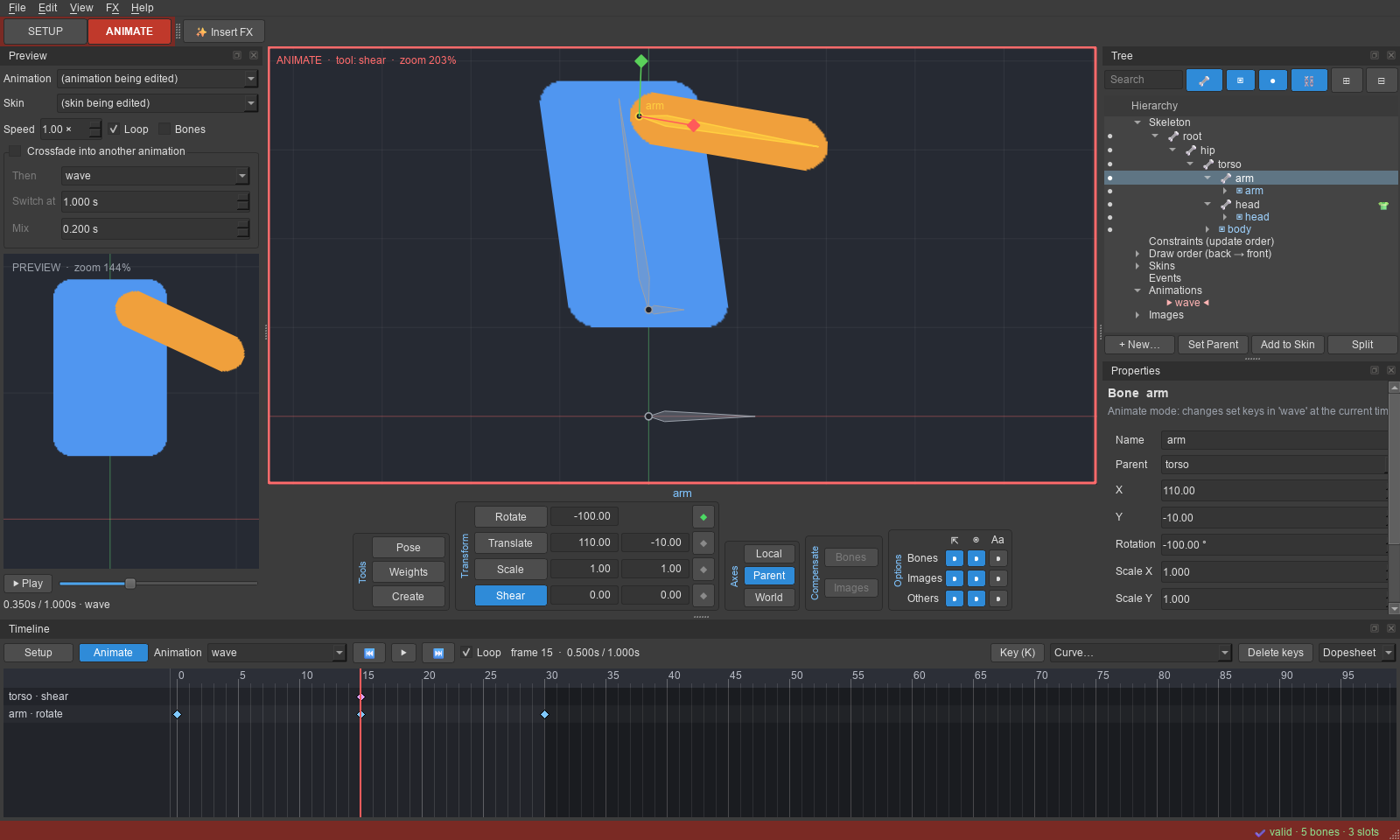
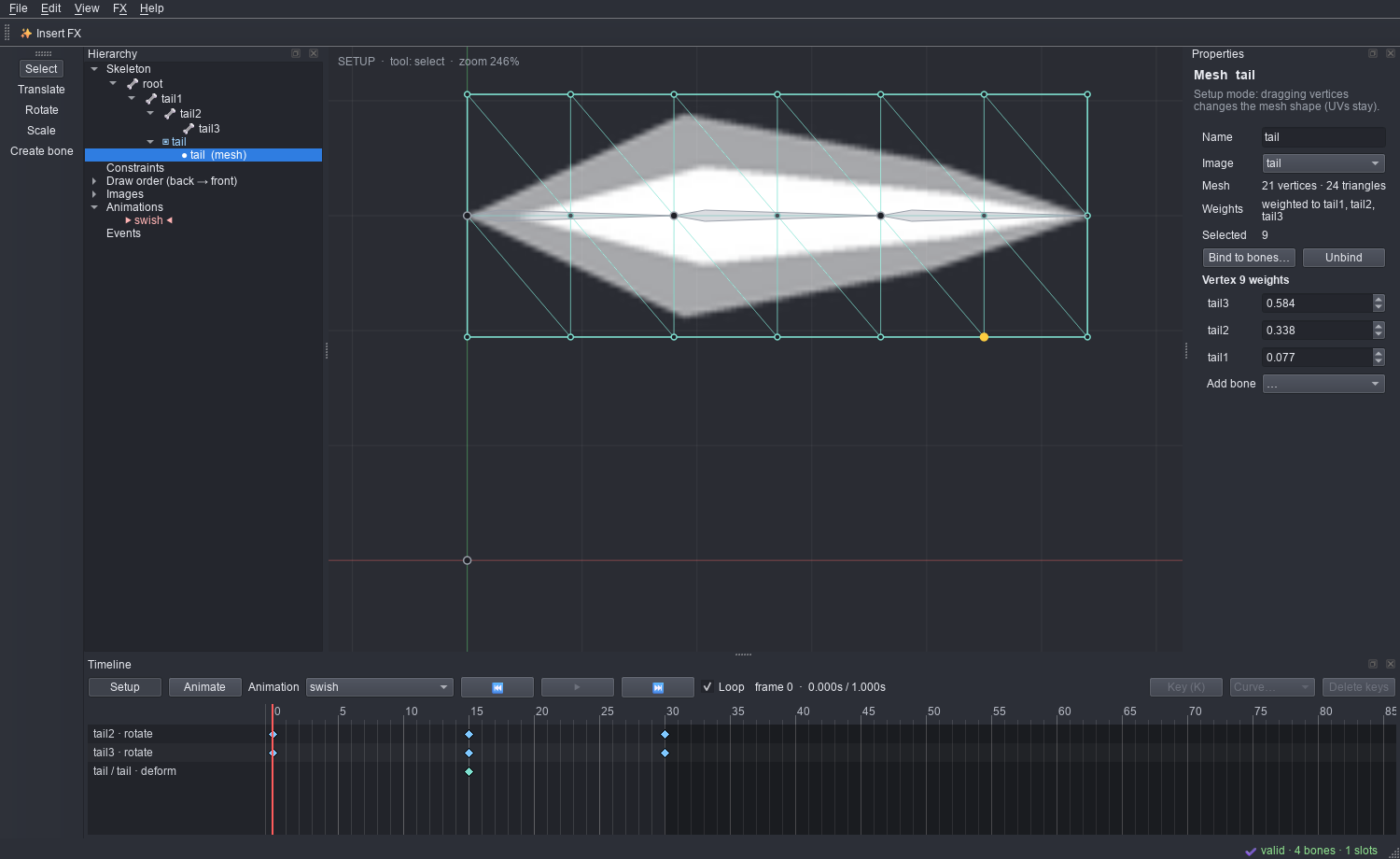
Pick one of 37 parametric effects, such as impacts, slashes, explosions, coin bursts, hearts and level-ups. Tune it with sliders and export it as a skeleton you can drop into a character or straight into your game. Register effects from your own Spine exports as new templates.




The latest release, for Windows and macOS.
The builds aren't code-signed yet. On Windows, SmartScreen may ask: choose More info → Run anyway. On a Mac, the first time: System Settings → Privacy & Security → Open Anyway. Each release lists SHA-256 checksums. All releases and their notes · Install guide